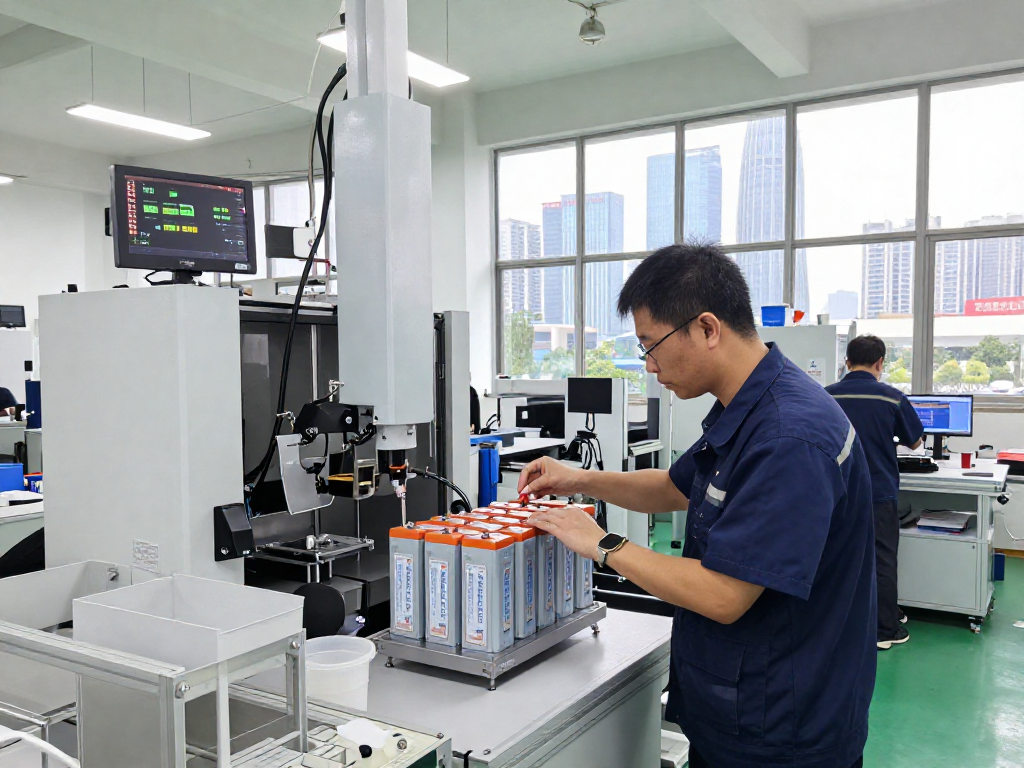
Understanding Computer Support: Key Concepts
What is Computer Support?
Computer support refers to the assistance and services provided to users of computer systems and networks. This encompasses a broad range of activities, from troubleshooting hardware and software issues to advising users on how to effectively utilize their devices. In the modern landscape, computer support is not just about resolving immediate problems; it involves ensuring systems operate efficiently, protecting data, and maintaining overall user satisfaction. The services provided under this umbrella can range from basic help desk support to complex networking solutions.
The Importance of Computer Support for Businesses
In today's technology-driven world, effective computer support is crucial for the smooth operation of businesses. Companies rely on technology for nearly every aspect of their operations—from communication to data management. Without reliable computer support, organizations face risks including data loss, downtime, and diminished productivity.
Moreover, well-structured computer support can enhance business continuity. When support teams can respond swiftly to technical difficulties, they enable employees to focus on their core tasks rather than getting bogged down by technical glitches. This is particularly vital in a global economy, where even minor disruptions can have significant repercussions. Additionally, businesses investing in strong support frameworks can enjoy improved data security, compliance with regulations, and ultimately, a better reputation.
Types of Computer Support Services
Computer support services can be categorized into several types, each serving distinct user needs:
- Help Desk Support: This is often the first line of defense for computer issues. Help desk teams address user inquiries, resolve simpler issues, and guide users through troubleshooting steps.
- On-Site Support: For complex problems that cannot be resolved remotely, technicians may need to visit the user's location to diagnose and fix the issue directly.
- Remote Support: With advancements in technology, many issues can now be resolved remotely. Technicians can access the user’s computer through secure connections, providing real-time assistance without needing to be physically present.
- Managed IT Services: Businesses may outsource their IT support to managed service providers, which offer ongoing administration, monitoring, and maintenance of their IT systems.
- Training Services: To minimize future issues, many support providers offer end-user training to help individuals and teams maximize their use of technology.
Common Challenges in Computer Support
Identifying Technical Issues
One of the primary challenges faced in computer support is the accurate identification of technical issues. Users may experience problems that stem from various sources, including software glitches, hardware failures, or user errors. Ideally, support professionals need to employ strong diagnostic skills to determine the root cause of an issue quickly.
Moreover, users may not always communicate their problems effectively, leading to misdiagnosis. It is imperative for support teams to engage with users, asking the right questions to gather detailed information about the symptoms they're experiencing. Utilizing systematic approaches to troubleshooting can streamline this process and enable quicker resolutions.
Effective Communication in Support Roles
Effective communication is paramount in the realm of computer support. Support professionals often interact with users who may have limited technical knowledge. Therefore, it is essential to communicate in a manner that users can understand, avoiding technical jargon that may confuse them.
Support agents need to balance being informative with being approachable. A friendly demeanor, patience, and clear explanations can significantly improve user experiences. Employing various communication channels such as chat, video calls, and emails ensures that users have several ways to interact with support teams, catering to different preferences and needs.
Managing Client Expectations
Managing client expectations can be challenging, particularly when users are facing frustrating technical issues. Clear communication about expected response times, the troubleshooting process, and potential outcomes are essential for maintaining user trust. Support teams should provide regular updates to users on the status of their issues and acknowledge delays when they occur. Building a sense of partnership with users enhances user satisfaction and encourages patience during the resolution process.
Best Practices for Delivering Computer Support
Implementing Efficient Troubleshooting Techniques
To ensure quick and efficient resolutions, support professionals should implement structured troubleshooting techniques. These can include:
- Checklists: Developing checklists for common issues allows teams to follow a systematic approach to diagnostics and resolution.
- Documentation: Keeping meticulous records of previous issues and their solutions can help support teams draw from past experiences when resolving current complaints.
- Root Cause Analysis: Going beyond a quick fix and identifying underlying problems can prevent issues from recurring. This often involves deeper investigation and analysis of the systems in question.
Utilizing Remote Support Tools
Remote support tools are invaluable in improving the efficiency of computer support services. These tools allow technicians to access and manage users' systems from afar, which is particularly beneficial for organizations with multiple locations or remote staff. Some widely adopted remote support tools include remote desktop software, which enables technicians to view and control user systems, and diagnostic tools that can perform system scans and repairs without user intervention.
Overall, the implementation of remote support not only expedites troubleshooting but also can reduce operational costs by limiting the need for on-site visits, allowing support teams to handle multiple issues simultaneously.
Maintaining Customer Satisfaction
Customer satisfaction should be a top priority for any support team. To achieve high levels of satisfaction, it is important to follow several key principles:
- Feedback Loops: Regularly soliciting feedback from users can provide insights into their experiences and allow support teams to make necessary improvements.
- Training and Development: Continually developing the skills of the support staff ensures that they remain informed of the latest technologies and troubleshooting techniques.
- Follow-Up: Following up with users after their issues have been resolved is a powerful way to demonstrate that their experience matters to the team.
Advanced Computer Support Strategies
Proactive Maintenance Techniques
Proactive maintenance involves taking preventive measures to reduce the likelihood of technical issues arising in the first place. Support teams can employ several strategies to achieve this:
- Regular System Updates: Keeping systems updated with the latest software and security patches minimizes vulnerabilities and operational issues.
- Performance Monitoring: Utilizing monitoring tools to evaluate system performance can help identify potential issues before they become critical, ensuring devices run smoothly.
- User Education: Training users to recognize potential problems and guiding them on best practices can significantly reduce the amount of support required over time.
Integrating AI in Computer Support
The integration of artificial intelligence (AI) into computer support is revolutionizing the industry. AI can facilitate service delivery by automating routine tasks, thus allowing human technicians to focus on more complex issues. Chatbots powered by AI can handle common inquiries, providing users with immediate assistance for frequently encountered problems.
Furthermore, AI can analyze usage patterns and predict issues before they arise, leading to a more preemptive approach to computer support. By employing machine learning algorithms, support teams can continually improve their response strategies based on data-driven insights.
Measuring Success and Performance Metrics
To assess the effectiveness of computer support services, organizations should rely on key performance metrics. Some important metrics include:
- Resolution Time: Monitoring how long it takes to resolve issues can reveal the efficiency of the support team.
- Customer Satisfaction Scores: Post-support surveys can provide valuable insights into user experiences and help identify areas for improvement.
- First Contact Resolution Rate: Tracking the percentage of issues that are resolved on the first contact can indicate the team's effectiveness in handling inquiries.
Regularly reviewing these metrics allows teams to identify trends and areas that require further development or adjustment, fostering a culture of continuous improvement within the support function.
The Future of Computer Support Services
Emerging Trends Shaping Computer Support
The landscape of computer support is rapidly evolving, influenced by emerging trends that enhance service delivery. Some notable trends include:
- Increased Collaboration Tools: As remote work continues to grow, the demand for collaboration tools and integrated platforms that support communication among teams increases.
- Cloud Support Services: With the rise of cloud computing, support services have also had to adapt, focusing on troubleshooting and maintaining cloud-based solutions.
- Focus on Cybersecurity: As cyber threats become increasingly sophisticated, support teams must prioritize security, incorporating preventive measures and providing user training on cybersecurity awareness.
The Role of Cybersecurity in Support Services
Cybersecurity has become an integral component of computer support services. With the increasing number of data breaches and cyber attacks, the need for robust security measures has developed into a primary responsibility for support teams. Ensuring that systems are secure and users are educated about potential threats is paramount.
Support teams must be well-versed in security protocols and regularly assess the vulnerabilities of their systems. This can involve conducting regular audits, implementing multi-factor authentication, and ensuring all employees receive training about security best practices.
Preparing for Technological Advancements
As technology advances at an unprecedented pace, computer support teams must be prepared to adapt. This involves continuous learning and embracing new tools and methodologies that enhance service delivery. Keeping abreast of technological advancements not only benefits support professionals but also enables organizations to maintain their competitive edge in the market.
Fostering a culture of innovation within support teams can help organizations future-proof their operations, ensuring they are ready to respond effectively to any changes in technology and user needs.